iMusic
Latest Version 1.0.6

YouTube Weekly
Top 100 Chart

Stream and download the latest YouTube Top 100 chart in real-time. Experience high-quality audio and seamless playback.

What's New
Supports Android 8.0+ / Last Updated: 2026-09-19
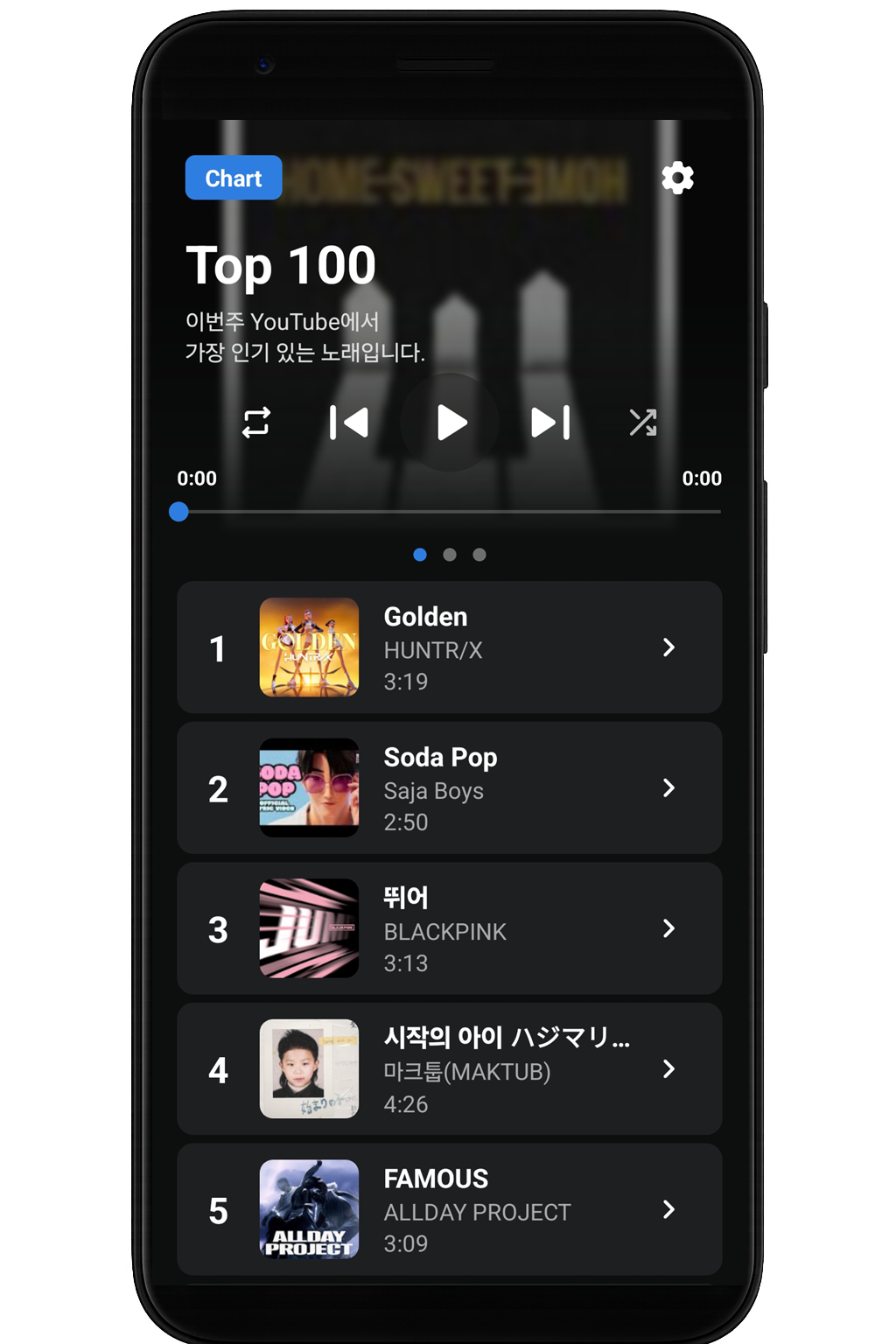
iMusic App Interface

Android Auto Setup

iMusic is distributed outside the Play Store, so a one-time setting is required for it to appear on your car screen.

1

Open Android Auto in your phone's Settings app.

2

Scroll to the bottom and tap "Version and permission info" 10 times to enable developer mode.

3

Tap the menu (top right) → Developer settings → turn on "Unknown sources".

4

Connect your phone to the car and select iMusic from the app list.

This only needs to be done once. If iMusic does not appear, disconnect and reconnect the car. You can also find this guide in the app under Settings → Support → Android Auto Setup.

Update History

Keep track of the latest changes and improvements.

v1.0.6 Sep 19, 2026
  • Added Android Auto support (Chart, Library and Playlist on the car screen)
  • Improved background playback (keeps playing after the app is closed)
  • Added notification when the chart ranking is updated
  • Title, artist and album art are now saved as tags in downloaded and Library files
  • Added storage permission guide (restores playlist after reinstall)
  • Improved audio focus and Bluetooth/headset control
  • Bug fixes (Library delete failure, duplicate notifications, playback error loop, etc.)
  • Added Android Auto setup guide (Settings → Support)
v1.0.5 Jun 17, 2026
  • Improved playback failure notification message
  • Added languages (Portuguese, Indonesian, French, German)
  • Added update check feature
  • Added list multi-selection feature
  • Improved landscape UI compatibility
  • Improved tablet device compatibility
v1.0.4 Feb 21, 2026
  • Changed app icon
  • Fixed thumbnail loading bug
  • Updated internal UI and colors
  • Added download quality options
  • Added download progress indicator
  • Added feature to remember last playback position
  • Added main screen layout options
  • Added multi-language support
  • Added multi-select feature for adding files
v1.0.3 Aug 23, 2025
  • Changed data loading logic for faster speed
  • Added 'Storage' functionality (Offline Library)
  • Added Local Music Playback support
  • Changed download format to MP3
  • Improved handling of special characters in filenames
  • Fixed bug in notification messages
  • Added copyright info & Open Source license menu
v1.0.2 Jun 04, 2025
  • Fixed progress bar position bug on launch
  • Changed default repeat mode to 'All'
  • Added long-click event in list items
  • Pause music when clicking the playing song again
  • Added 'Latest News' menu
v1.0.1 May 17, 2025
  • Fixed Audio Focus issues (calls/other apps)
  • Improved internal layout UI
  • Code optimizations for stability